
DisplayNet® Connect for AI Agents
Do The Impossible.
Design, deploy, and diagnose DisplayNet systems through natural language.
Contact UsOPS-1 is live on the operations display, with the camera feeds, the site map, and the status dashboard tiled together.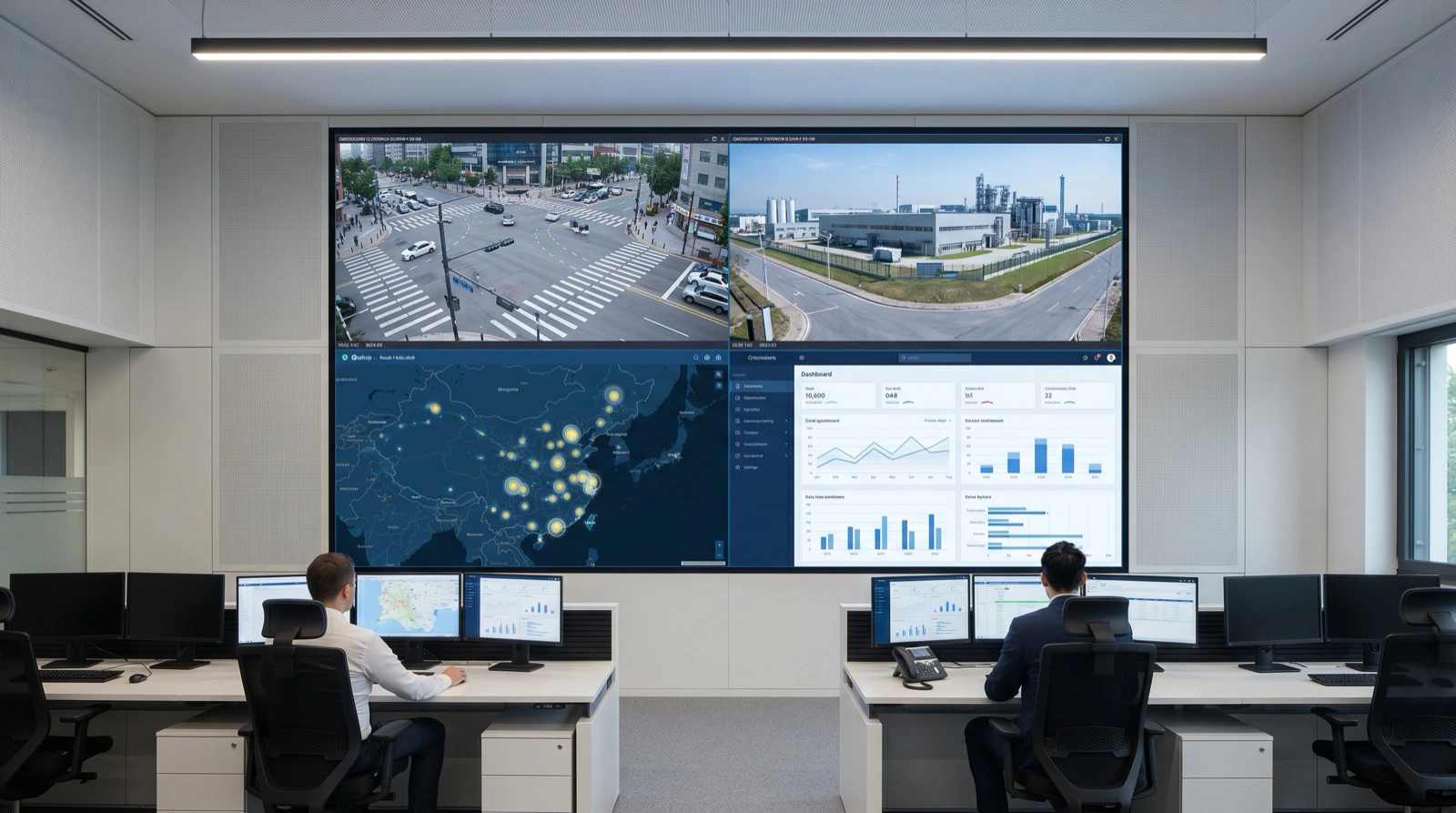
Overview
AI Agent Control for DisplayNet Systems
DisplayNet® Connect for AI Agents is an MCP server that exposes the DisplayNet API to AI assistants and agent frameworks. Customers can design, deploy, and diagnose DisplayNet systems through natural language.
It is built on the Model Context Protocol for broad agent compatibility, and the underlying integration is protocol-agnostic, so it can be extended to other agent interfaces as the ecosystem evolves. Compatible with leading MCP-compatible agent platforms, including Claude, OpenAI Codex, and Google Antigravity.
Available now to all DisplayNet customers.
Capabilities
Design, Deploy, and Diagnose
Describe the outcome in plain language. The agent translates it into a valid DisplayNet configuration, composes cross-system workflows, and reviews the logs when something breaks.
Design
Intent, Not Syntax
Customers express what they want in natural language, and the agent translates that intent into a valid DisplayNet configuration. The cognitive work shifts from translation to specification.
Years of platform-specific syntax knowledge become a function of the tooling, not a prerequisite for the person at the keyboard.
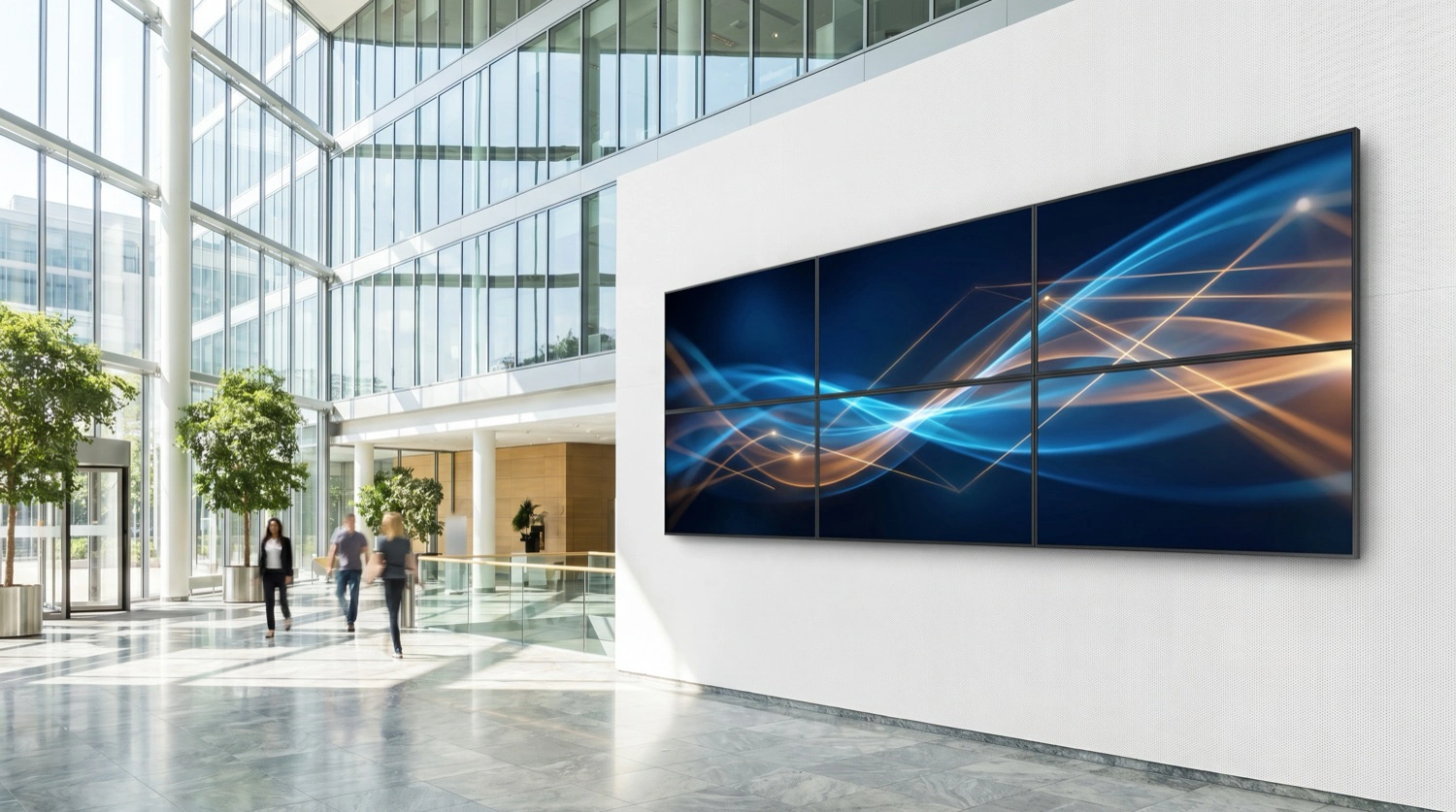
Deploy
Integrations That Used to Be Projects
A modern facility runs systems for room scheduling, lighting, building management, security, conferencing, and ticketing. When both sides expose programmatic interfaces, an agent can compose the integration in minutes.
Custom engagements that previously took days collapse into a single agent-mediated workflow.
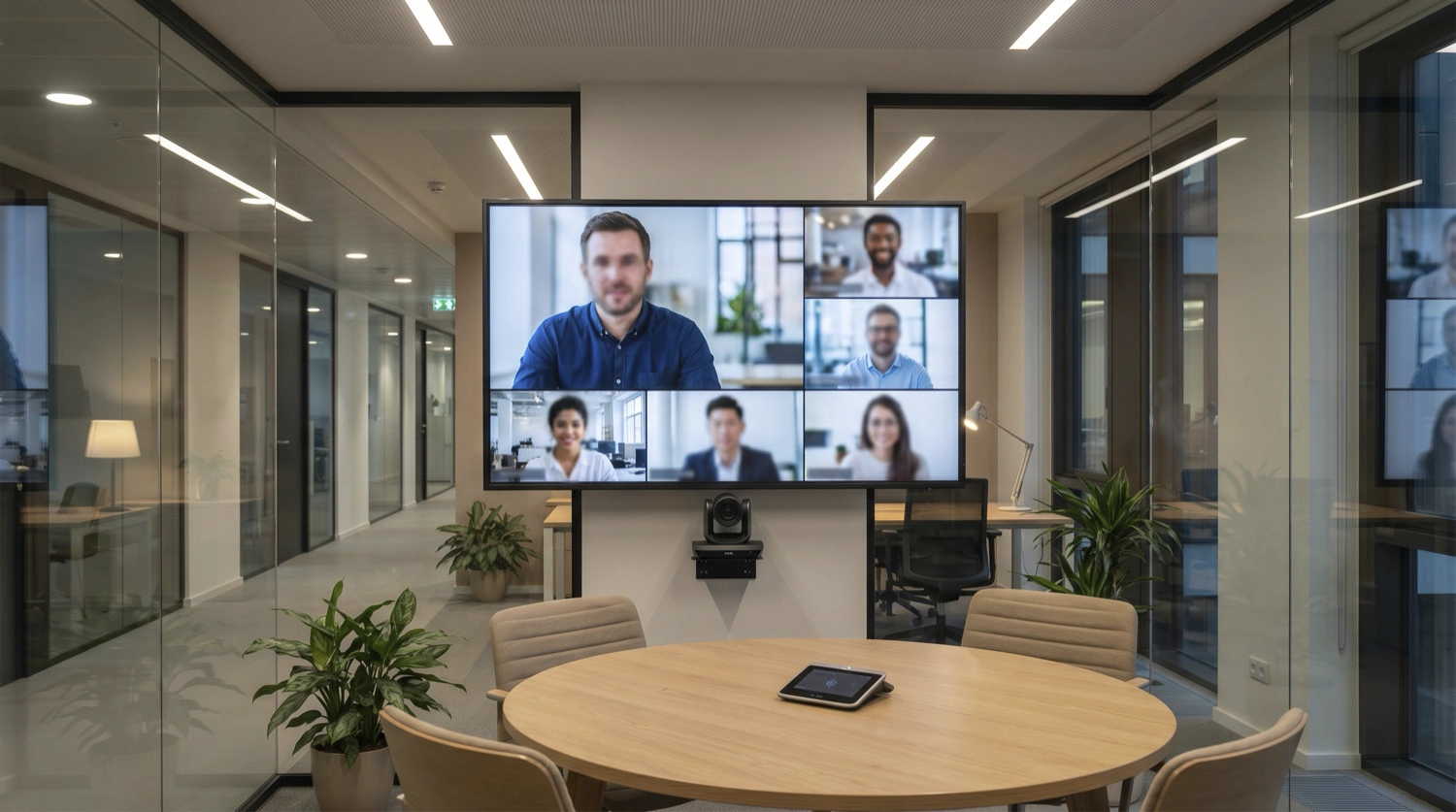
Diagnose
Log Review in Minutes, Not Hours
The most expensive hours on an AV-over-IP project are not design or configuration hours. They are troubleshooting hours. Log analysis, anomaly detection, and pattern recognition are exactly where current-generation AI is demonstrably effective today.
An agent with access to DisplayNet's diagnostic surface can identify likely failure modes and suggest specific remediations far faster than manual log review.
14:02:11 TX-02 HDCP_AUTH_FAIL. Re-seat the source connection, or assign a non-protected EDID at the transmitter for this display.How It Works
Agent → MCP → DisplayNet API → DisplayNet System
AI Agent
Any MCP-compatible assistant or framework
MCP Server
DisplayNet Connect for AI Agents
DisplayNet API
The API integrators already use, also natively SDVoE compatible
DisplayNet System
DisplayNet Server, transmitters, receivers, and displays
The DisplayNet Server runs the same DisplayNet API that integrators have used for years, now in a form any MCP-compatible agent can operate against. The DisplayNet API is also natively SDVoE compatible: an agent can issue SDVoE commands alongside DisplayNet calls to control the transmitters and receivers that distribute video across the network. The API also remains directly accessible for non-MCP control systems and third-party integrations.
Get Started
Connect your agent to DisplayNet
DisplayNet Connect for AI Agents is available now to all DisplayNet customers. Contact DVIGear to get your system set up and connected to the agent of your choice.
Supported Agent Platforms
Works with any MCP-compatible agent platform, including:
Request a Demo
See DisplayNet Connect drive a live system. Reach the DVIGear team to schedule a walkthrough or to get your system connected.
Contact UsEvents
See us at InfoComm 2026
Live demonstrations of DisplayNet Connect for AI Agents, June 17–19 at DVIGear booth C7951 in the Central Hall. View our InfoComm 2026 exhibitor listing.
Do the impossible.
Design, deploy, and diagnose DisplayNet systems through natural language.
Contact Us